Carmen's Visual Basic Page
This Visual Basic program is a horse racing game called "A Day At The Races". I originally programmed this in Visual Basic 6.0, and have since updated it, first to the original VB.Net, and more recently to VB 2008.
The game features:
- 10 races
- 7 horses in each race
- Realistic odds and betting system
- Horse speeds that can increase or decrease during each race
- A Hall of Fame for the top 10 highest winners
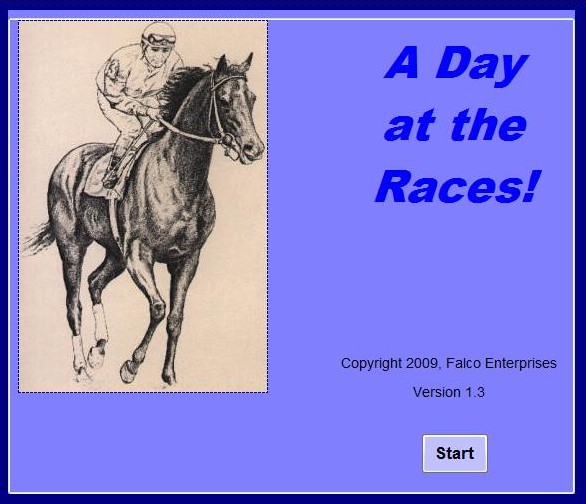
The game begins with the splash screen pictured here on the left. The player then clicks on the Start button to begin.
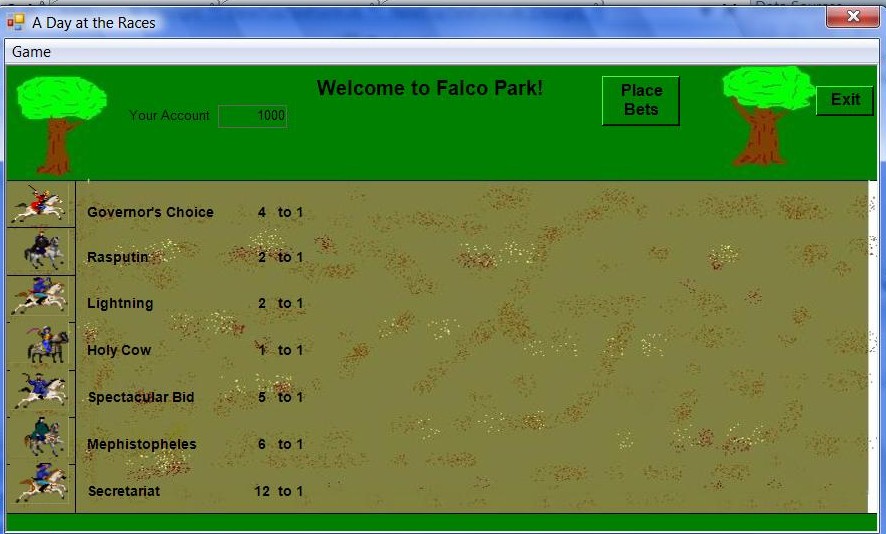
The Racing Park then displays as shown below, while we hear a trumpet play in the background. You can see that there are 7 horses lined up at the starting gate, and you can peruse their names and odds of winning. At the top of the screen, you also see that you have a starting fund of 1000 dollars with which to bet, and two buttons, one for betting and the other for ending the program.
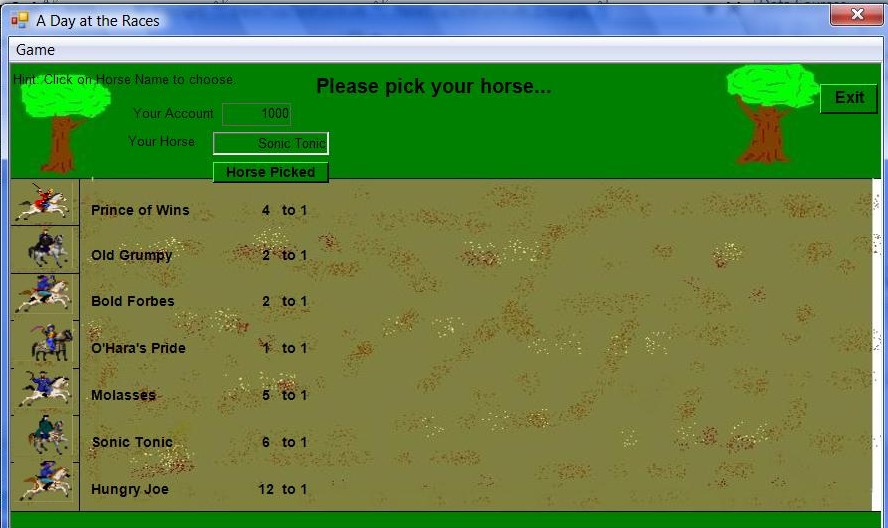
 Once the player clicks the "Place Bets" button, he or she is prompted to pick a horse, which is easily done simply by clicking on the name of the horse. The player is free to change his/her mind at any time, but once decided, clicks on the "Horse Picked" button.
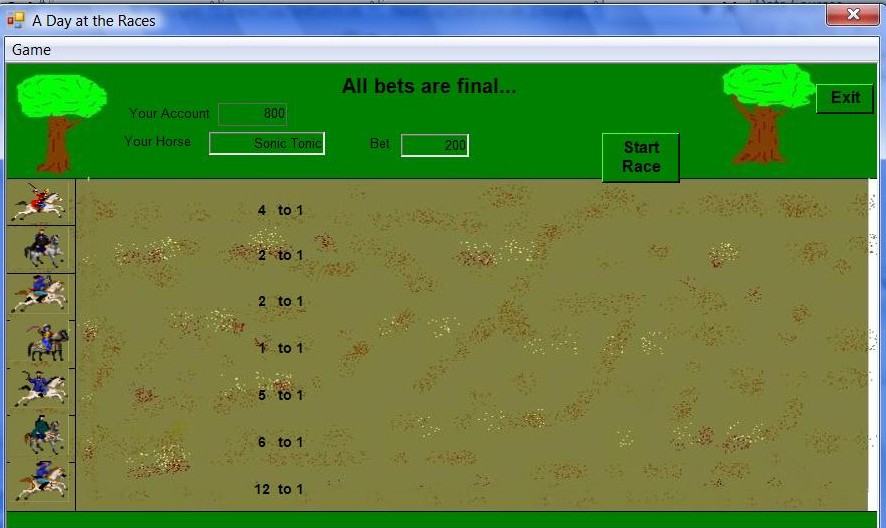
 The player is then prompted to enter an amount to wager, and then clicks the "Bet Placed" button, at which time the message "All Bets are Final..." appears at the top. The "Start Race" button now also appears, which the player clicks and the race begins...
 During the race, we see the horses move across the screen, and we here sound effects of horses galloping and jockeys motivating them. As the player's chosen horse moves along, it's name remains displayed to remind the player which horse is his/hers. During the course of each race, the horses' speeds will vary, as some will speed up as they approach the finish line, and others will tire out.
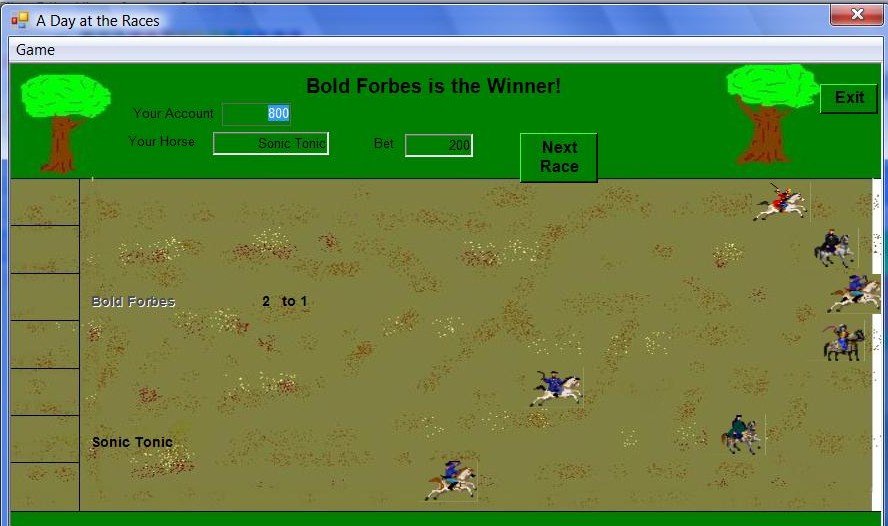
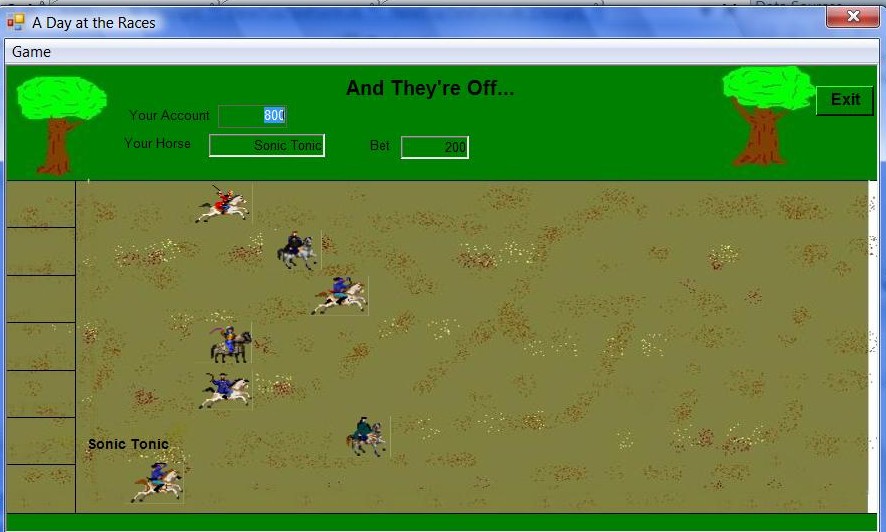 Once the winning horse reaches the finish line, the race ends, and the text at the top of the park displays the name of the winner. The winner's name and odds are also displayed on the track. If the player's horse is the winner, the amount of the bet is multiplied by the odds, and the amount is added to the player's account. The "Next Race" button is then displayed, which, if clicked...
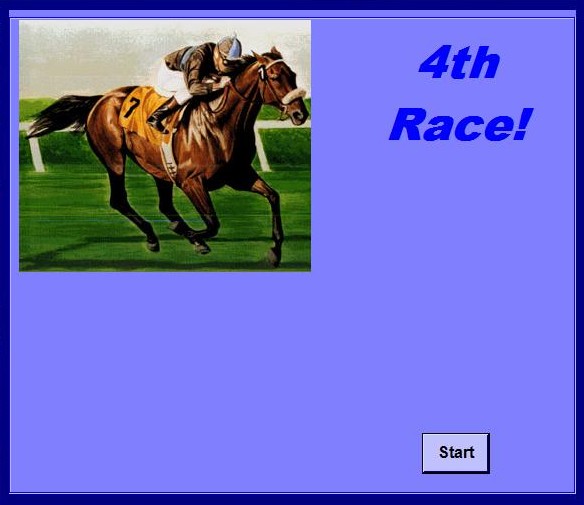 ...will then bring up another splash screen like this one to the left to start the process all over again with the next race.
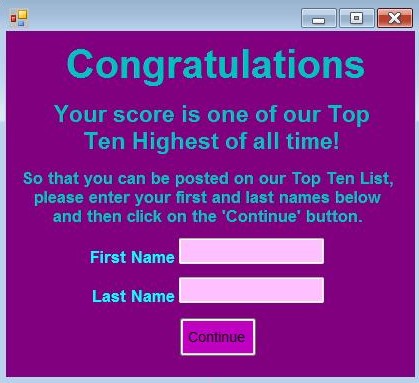
This cycle then repeats for ten races. After the tenth race, if the player has won enough money, the Hall of Fame will display, asking for the player's name, and entering that name into the Hall of Fame. The Hall of Fame can be viewed at any time during the game by clicking "Game | Hall of Fame" at the top left of the race park form.
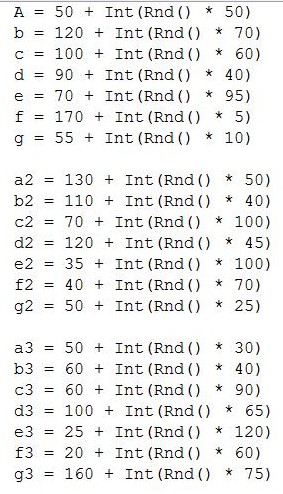
Here is a sample of some of the random numbers generated in the VB 2008 code. These are just some of the numbers used to ascertain the speed of the horses.
Top of this page
Back to Visual Basic Page
Back to Main Page